Why ADHD Apps Can Be Life-Changing for Adults
If you have ADHD, you already know the vibe: you can care a lot, try hard, and still feel like your brain is doing parkour off the walls.
Adult ADHD is not about laziness. It is often about executive functioning, the brain skills that help you start, plan, remember, regulate emotions, and finish.
The right app does not “fix” you. It simply reduces friction so you can do the thing without needing superhero levels of willpower.
What to Look for in the Best ADHD Apps for Adults
Before you download 14 apps and build the world’s most beautiful system you never open again, here are the features that actually matter.
Low setup effort
If it takes an hour to configure, there is a high chance it will not survive the week. Simple beats perfect.
Visual clarity
Clean screens. Fewer buttons. Less mental noise. Your brain is already doing enough.
Flexibility on low-energy days
ADHD consistency is… spicy. You want tools that adapt when your energy dips, not tools that punish you for being human.
Built-in motivation or accountability
Gamification, body doubling, quick wins, and gentle nudges can help your brain engage without a fight.
The Best ADHD Apps for Adults Right Now
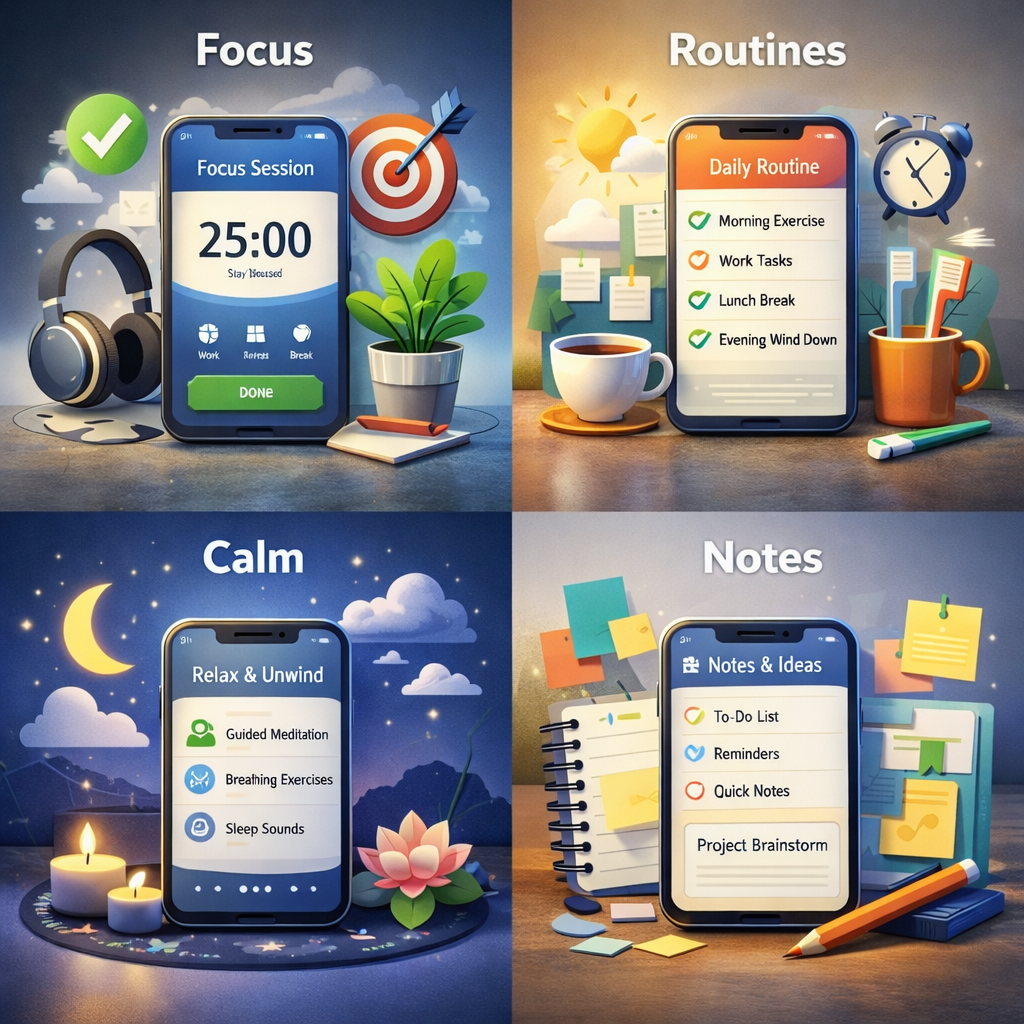
This list covers focus, organization, habits, emotional regulation, and executive function support. You do not need all of them. Pick what matches your current struggle.
Inflow
Inflow is built specifically for ADHD. It mixes coaching-style guidance, education, and support tools that help you understand your patterns without turning it into a self-roast.
- Best for: ADHD awareness, emotional regulation, executive function support
- Why it works: It explains the “why,” not just the “do this”
Todoist
Todoist is a task manager that can work great for ADHD if you keep it simple. Use it as a brain dump and a gentle reminder tool, not a perfection scoreboard.
- Best for: tasks, priorities, recurring reminders
- Why it works: flexible structure without the heavy vibe
Focusmate
Focusmate is body doubling. You schedule a session, show up, and work quietly while another person works too. It is strangely powerful.
- Best for: task initiation, accountability, procrastination
- Why it works: your brain behaves better when someone is “there”
Forest
Forest helps you stay off your phone by growing a little tree while you focus. If you leave the app to scroll, the tree suffers. It is dramatic in a helpful way.
- Best for: distraction reduction, short focus sessions
- Why it works: focus becomes visual and rewarding
Habitica
Habitica turns tasks and habits into an RPG. You get rewards for doing life, and your character levels up. It is dopamine-friendly by design.
- Best for: habits, motivation, consistency struggles
- Why it works: progress feels fun instead of punishing
Obsidian
Obsidian is a note app that supports “second brain” systems and connecting ideas. Great for ADHD brains that think in webs, not straight lines.
- Best for: notes, ideas, planning, knowledge organization
- Why it works: it matches nonlinear thinking
Calm
Calm supports sleep, stress reduction, and nervous system regulation. If your brain runs hot all day, this can help you downshift.
- Best for: burnout, overwhelm, sleep routines
- Why it works: regulation supports focus indirectly
Headspace
Headspace offers guided mindfulness and short focus exercises. You do not have to become a meditation monk. You just need something that helps your brain chill out a little.
- Best for: attention training, emotional awareness, mental noise
- Why it works: short sessions fit real life
Best ADHD Apps by Category
Best apps for focus and deep work
- Focusmate: accountability and task initiation
- Forest: fewer phone distractions
- Headspace: short focus and mindfulness exercises
Best apps for organization and task management
- Todoist: brain dump + reminders
- Obsidian: notes, ideas, planning systems
Best apps for emotional regulation and burnout
- Inflow: ADHD-specific support and skills
- Calm: stress and sleep support
- Headspace: awareness and regulation practices
Best apps for habit building with ADHD
- Habitica: gamified habits
- Todoist: simple recurring habits without drama
Executive Functioning and ADHD Apps Explained Simply
Executive functioning is your brain’s management system. It helps with planning, time awareness, task switching, starting, finishing, and emotional regulation.
ADHD apps do not replace executive function. They externalize it.
How to Use ADHD Apps Without Overwhelm
Here is the rule that saves people from app chaos:
If you want the easiest setup:
- One capture tool (tasks or notes): Todoist or Obsidian
- One focus tool: Focusmate or Forest
- One regulation tool: Inflow, Calm, or Headspace
Start small. Let it work for a week. Then adjust.
Common Mistakes Adults With ADHD Make When Using Apps
- Downloading too many apps at once
- Over-customizing and then never returning
- Using apps like a perfection scoreboard
- Setting harsh reminders that create avoidance
- Quitting after one off week
Do You Really Need More Apps or Just Better Systems?
Sometimes the answer is not another app. Sometimes it is fewer decisions and clearer defaults.
Apps work best when they support your real life, not an ideal version of you who wakes up at 5 a.m., drinks green juice, and never loses a charger.
Frequently Asked Questions About ADHD Apps for Adults
If this article made you feel seen…
That’s exactly why 925 ADHD exists.
It’s not a job.
It’s not a promise to replace your income.
It’s a calmer way to stop searching and start choosing work that actually fits your brain.
Small systems. Low friction. Built for real life.
925 ADHD is a living hub of ADHD-friendly ways to earn online, built to reduce overwhelm and flex with your energy.
Inside:
- 70+ vetted, scam-free ways to earn online
- Tagged by effort, setup time, and energy required
- Simple guides with clear next steps
- Lifetime updates as options change
Pay once. Use it when you need it. Come back when your energy says yes.
Not a job placement service. No income guarantees.